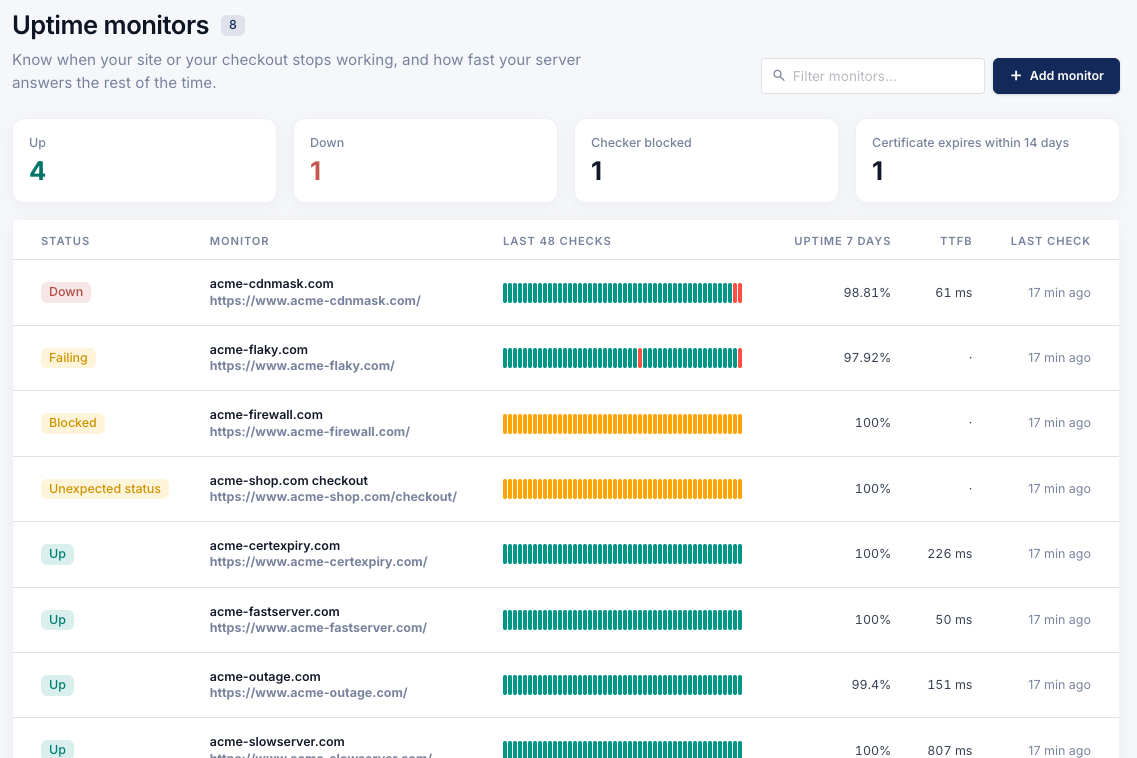
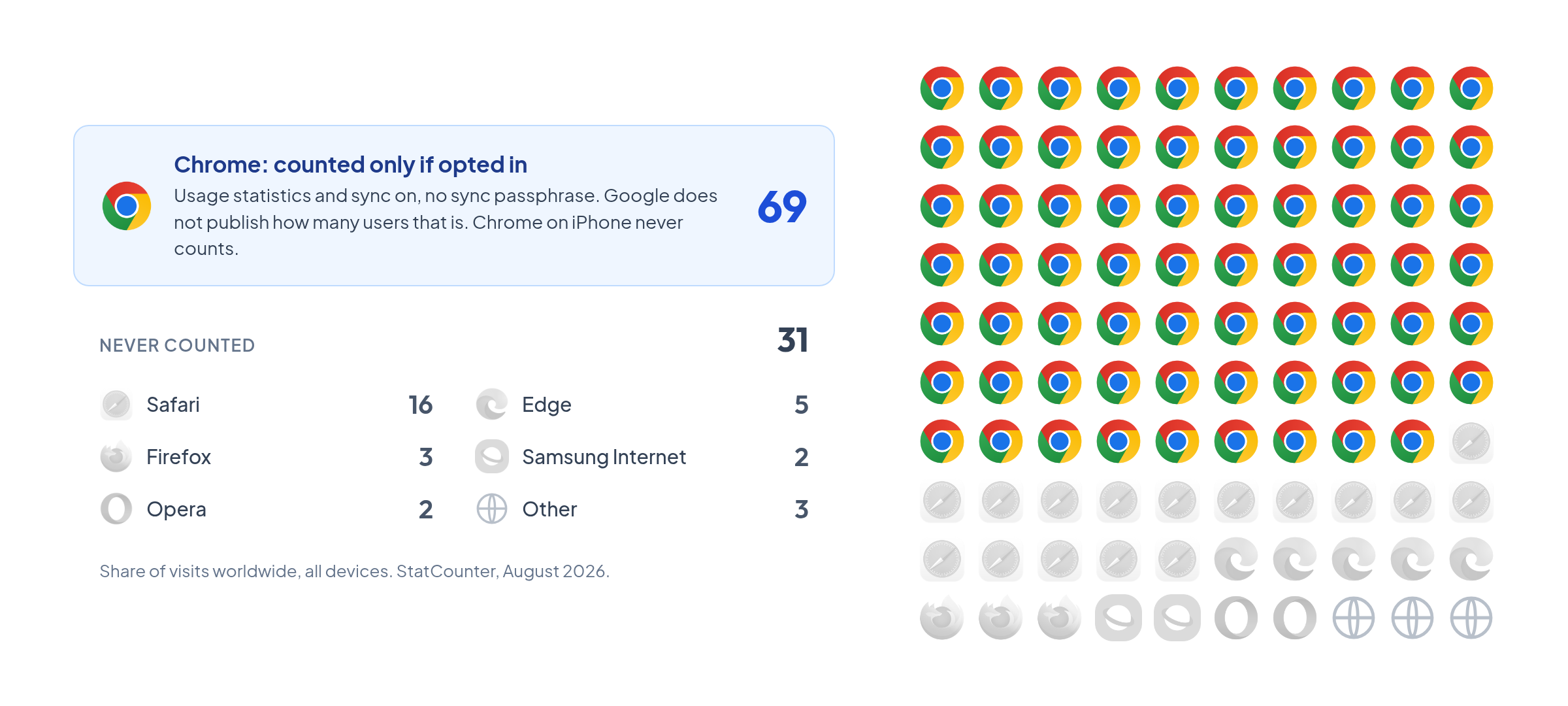
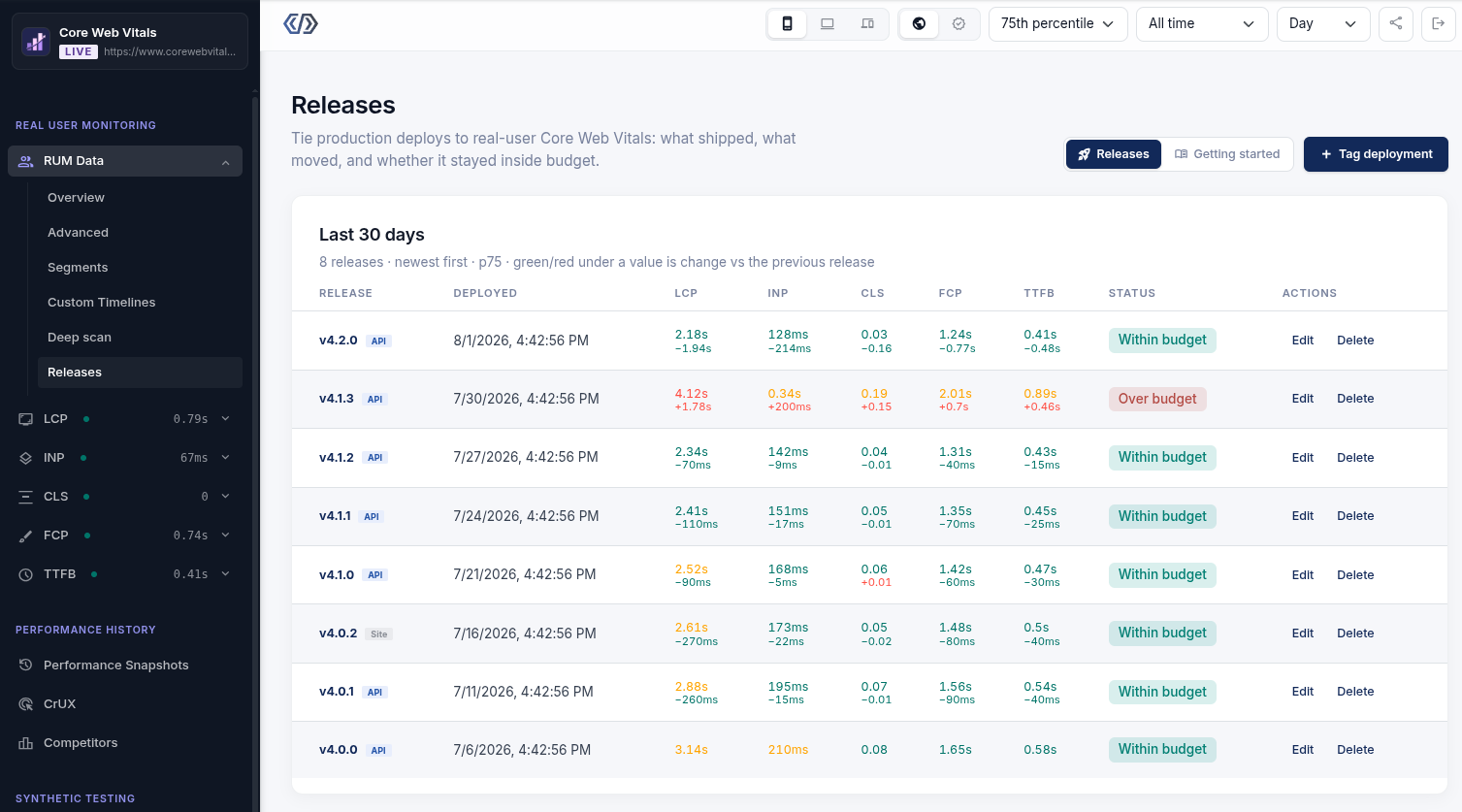
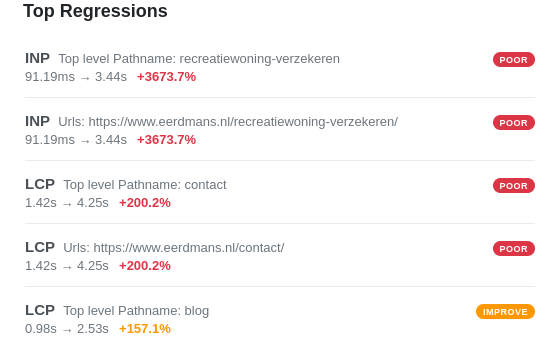
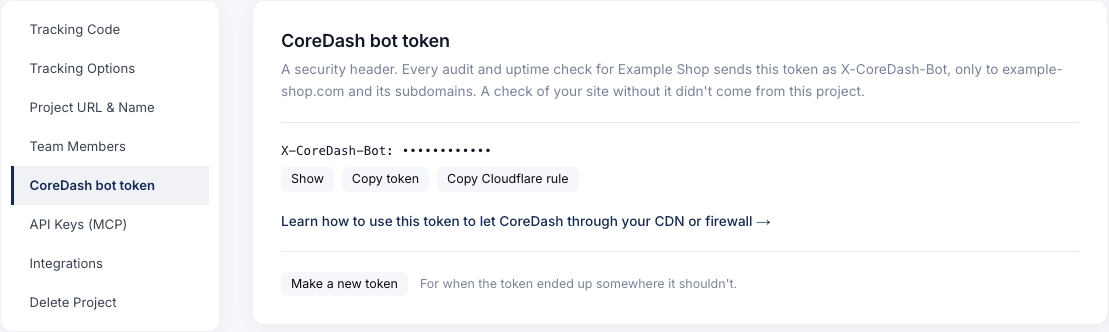
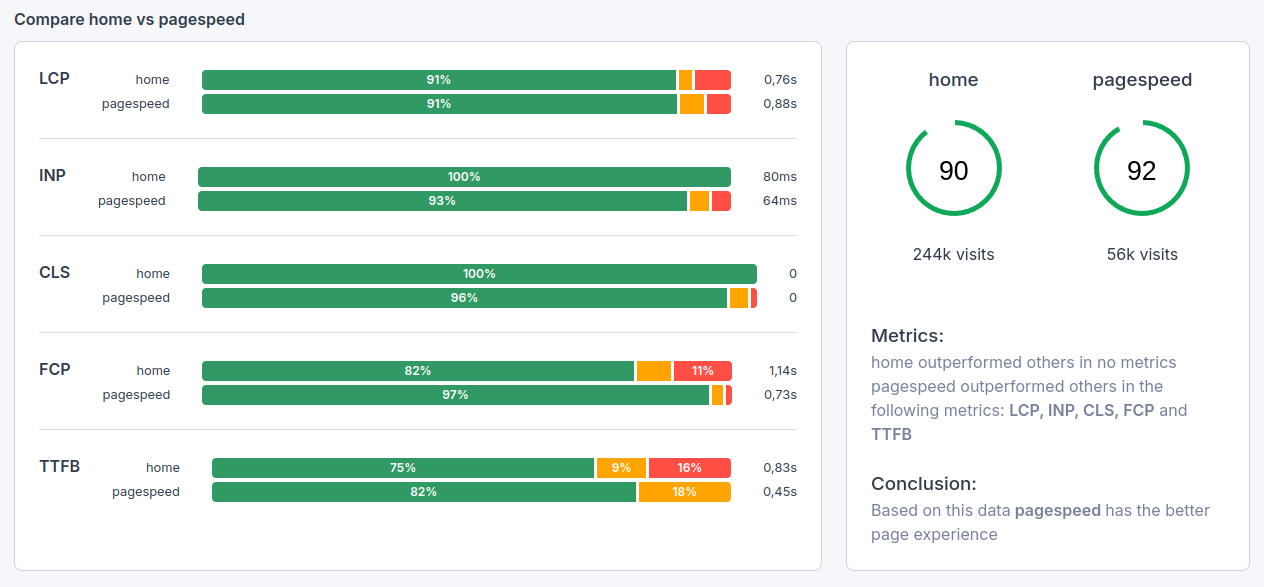
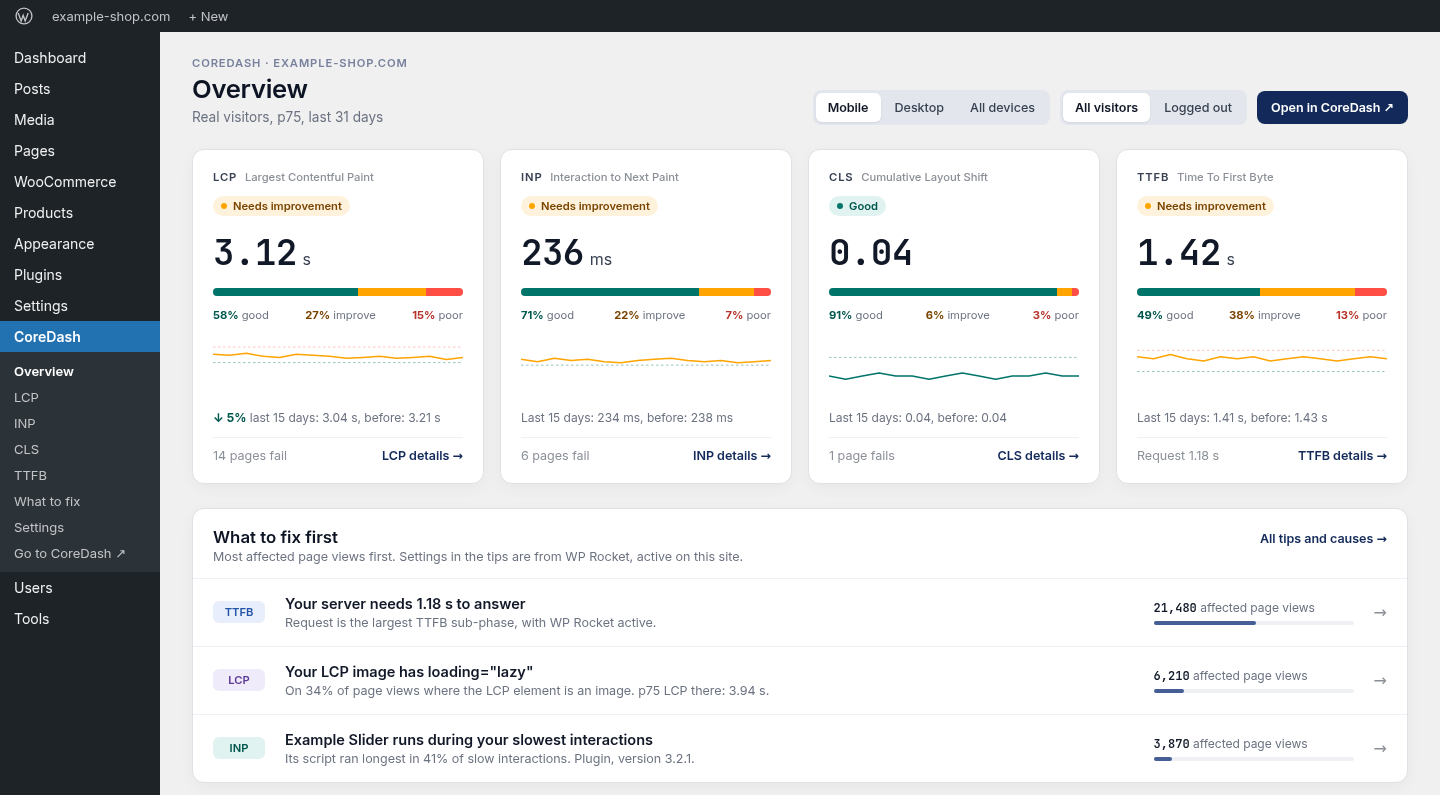
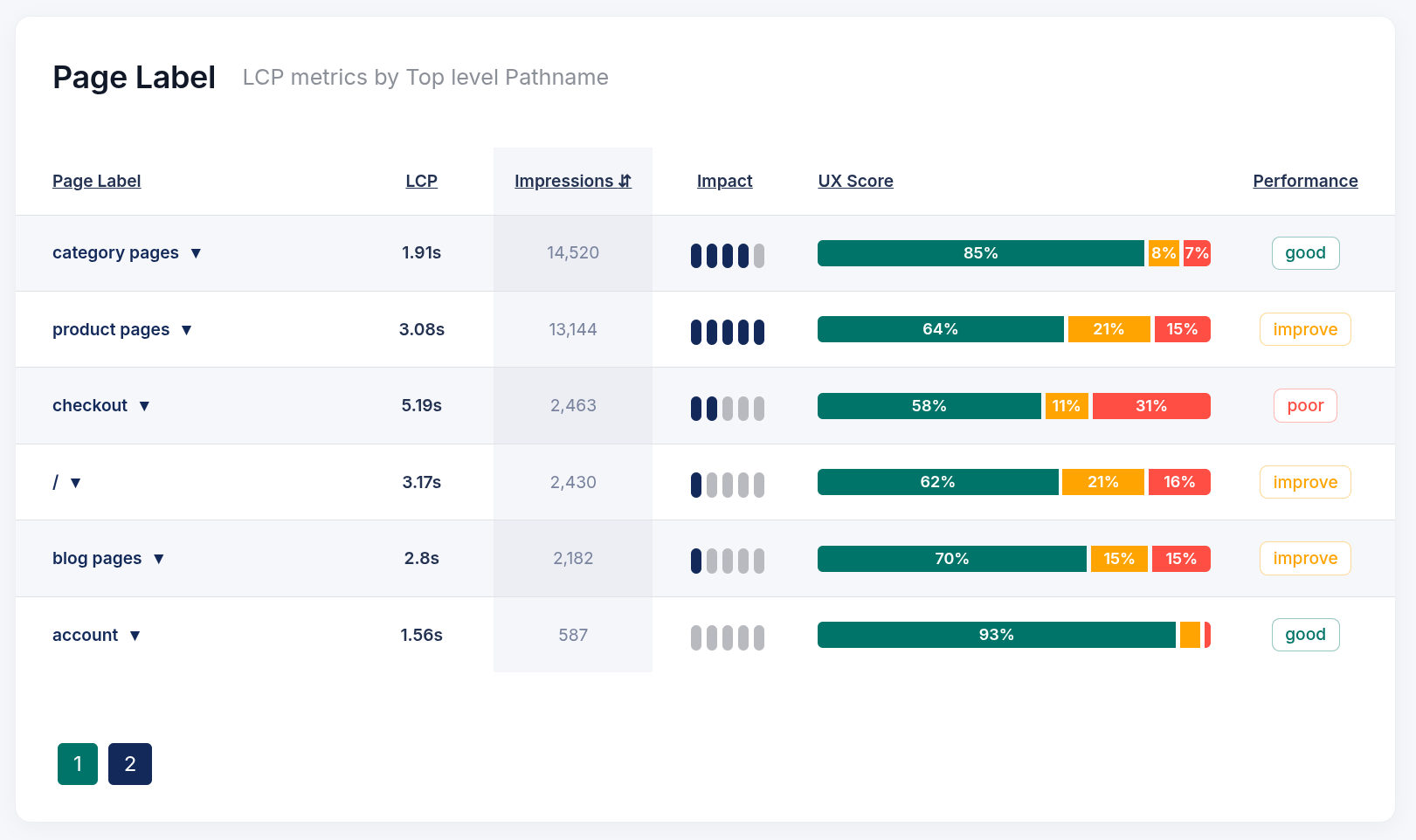
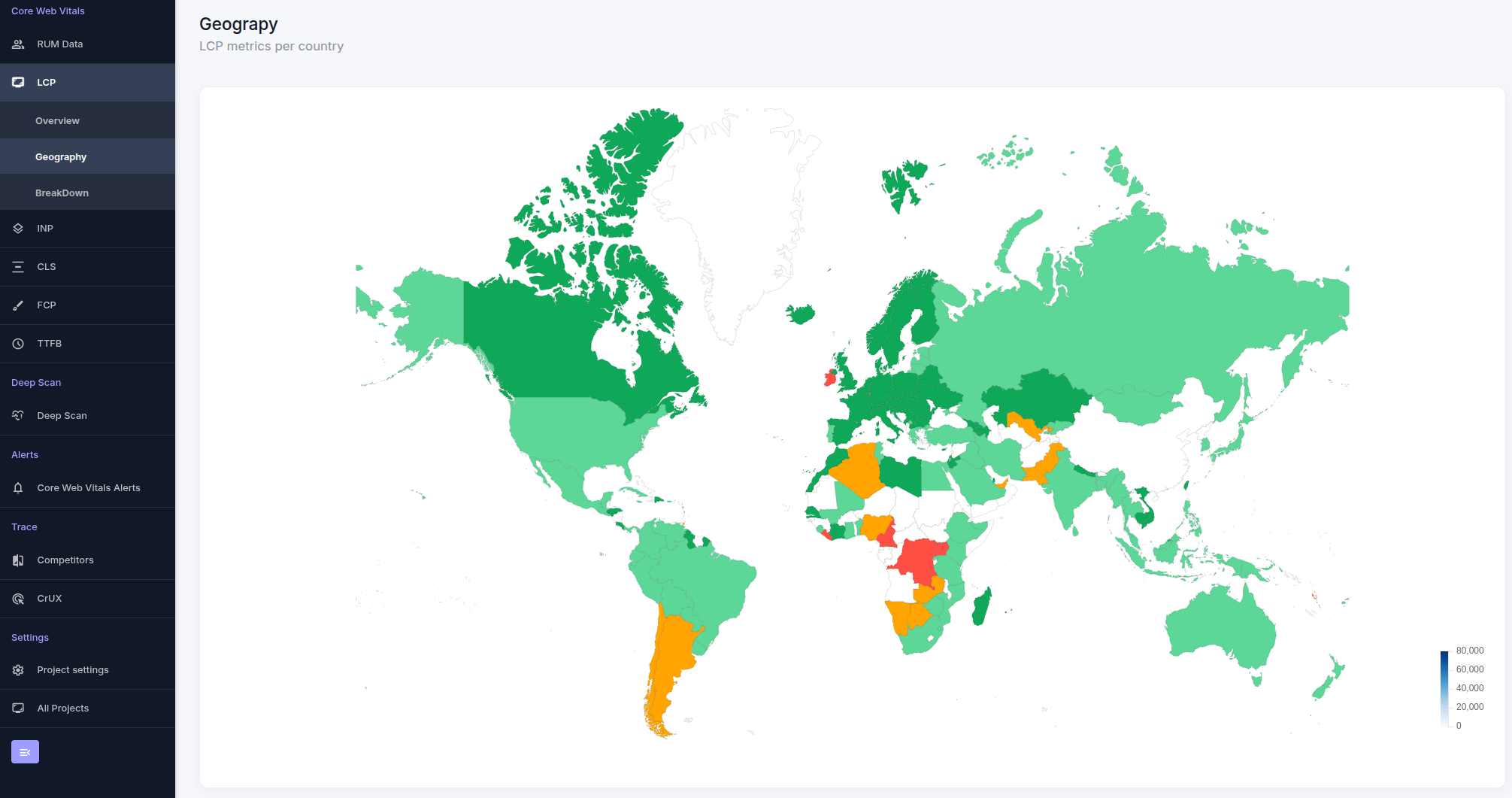
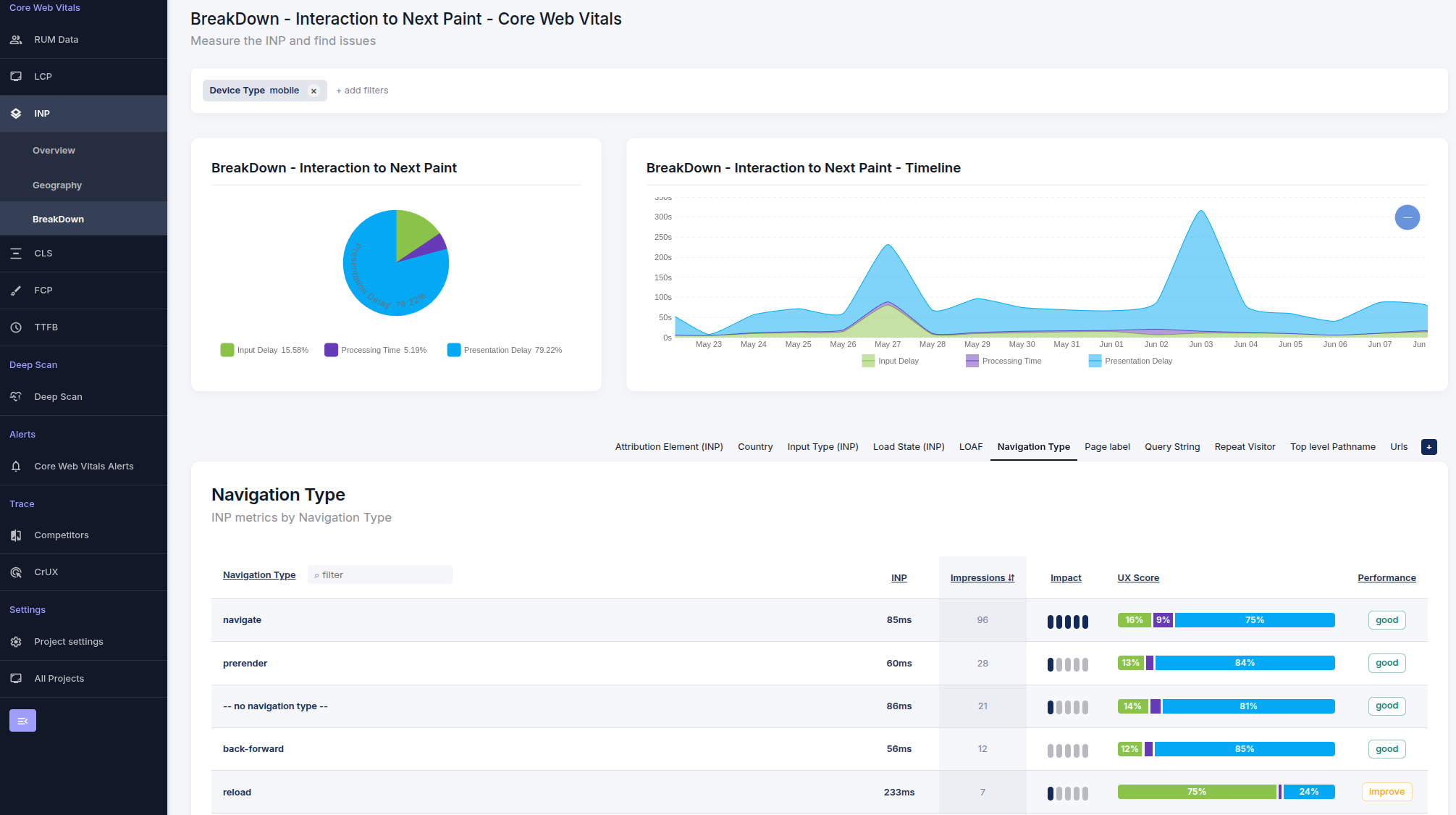
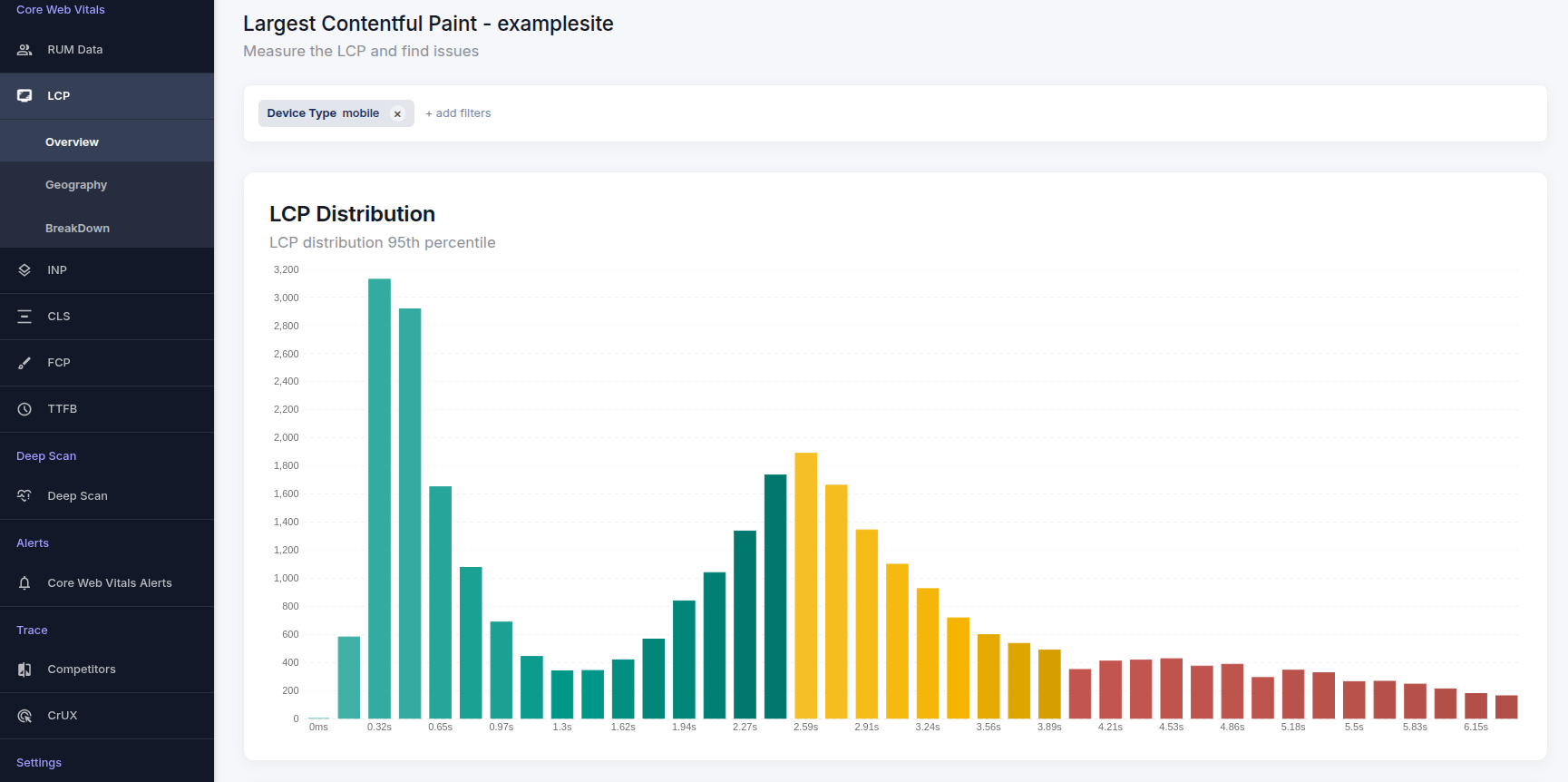
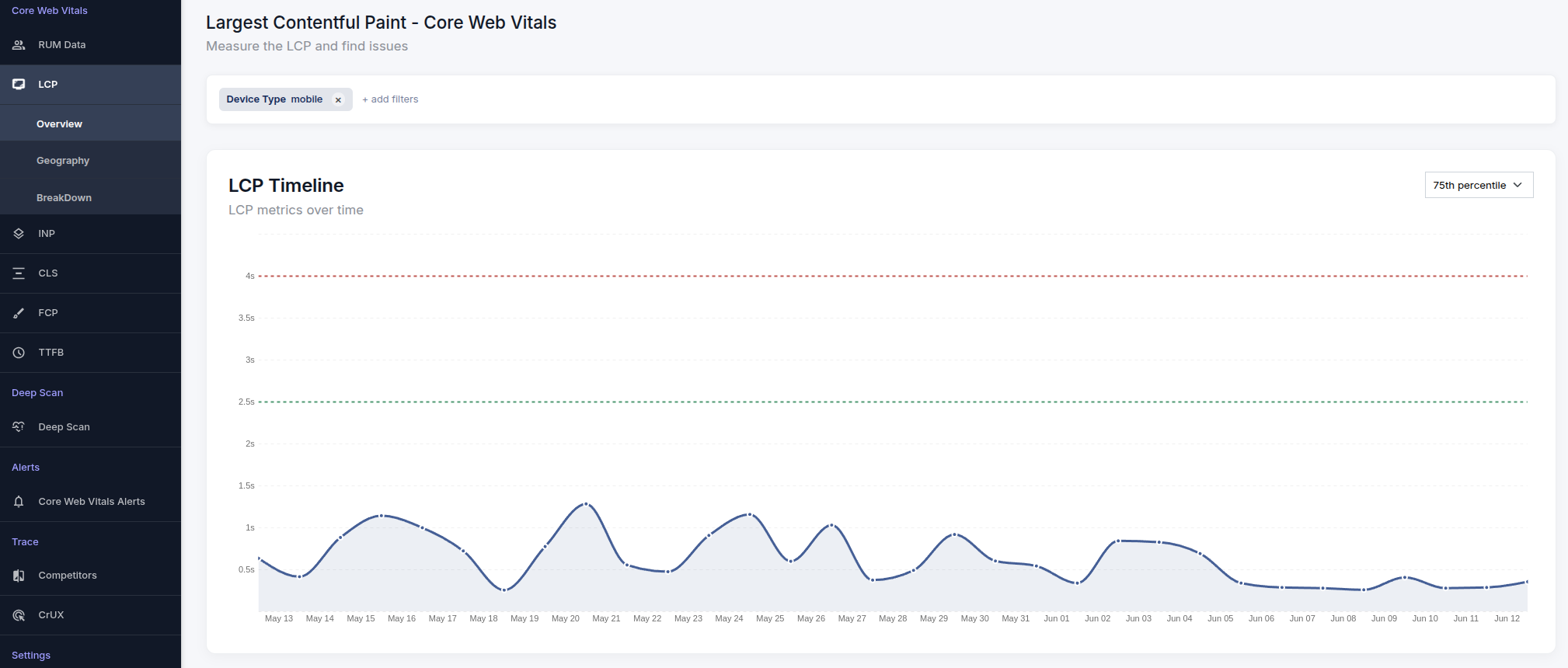
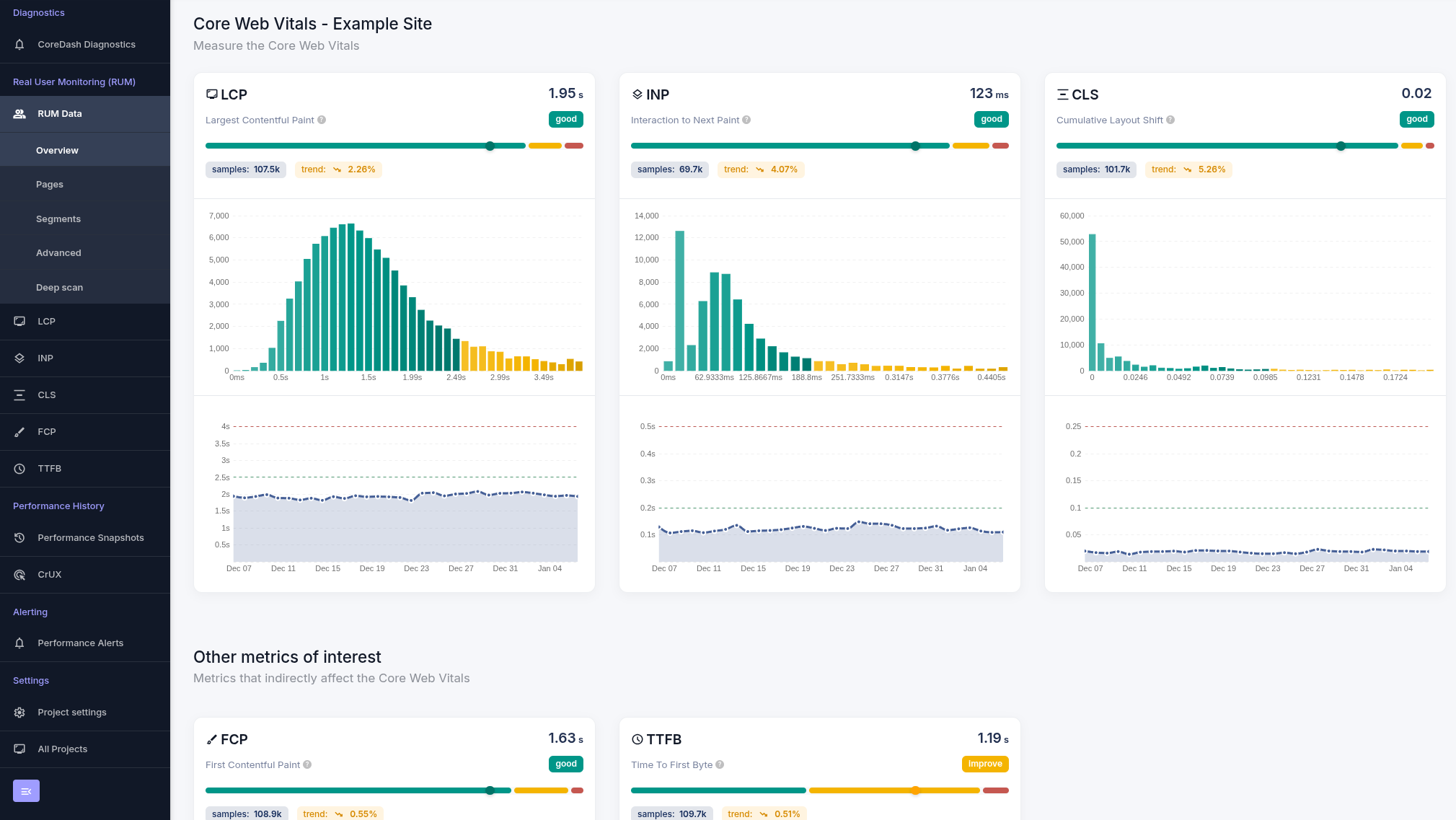
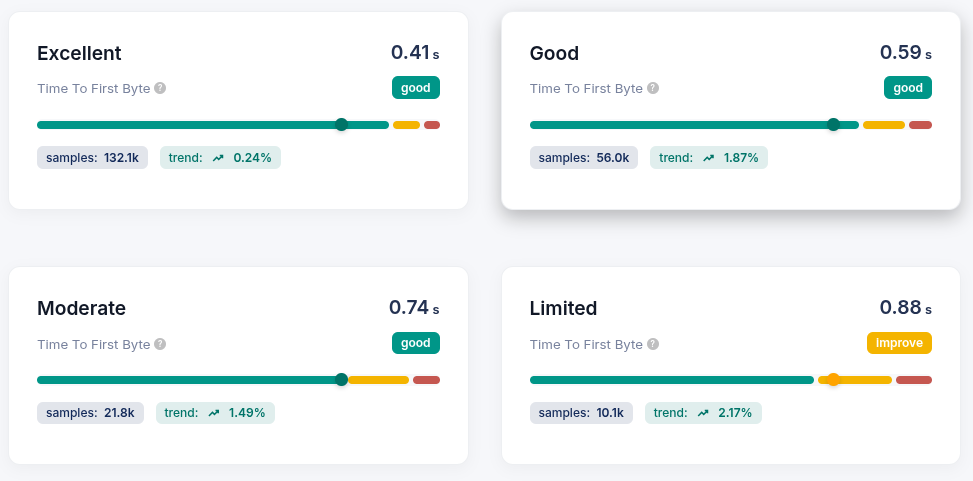
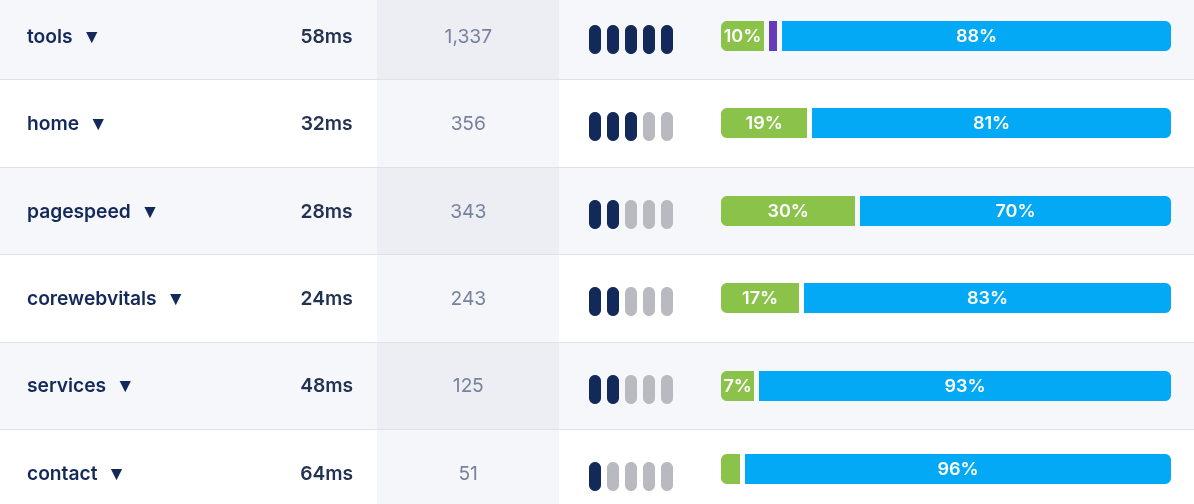
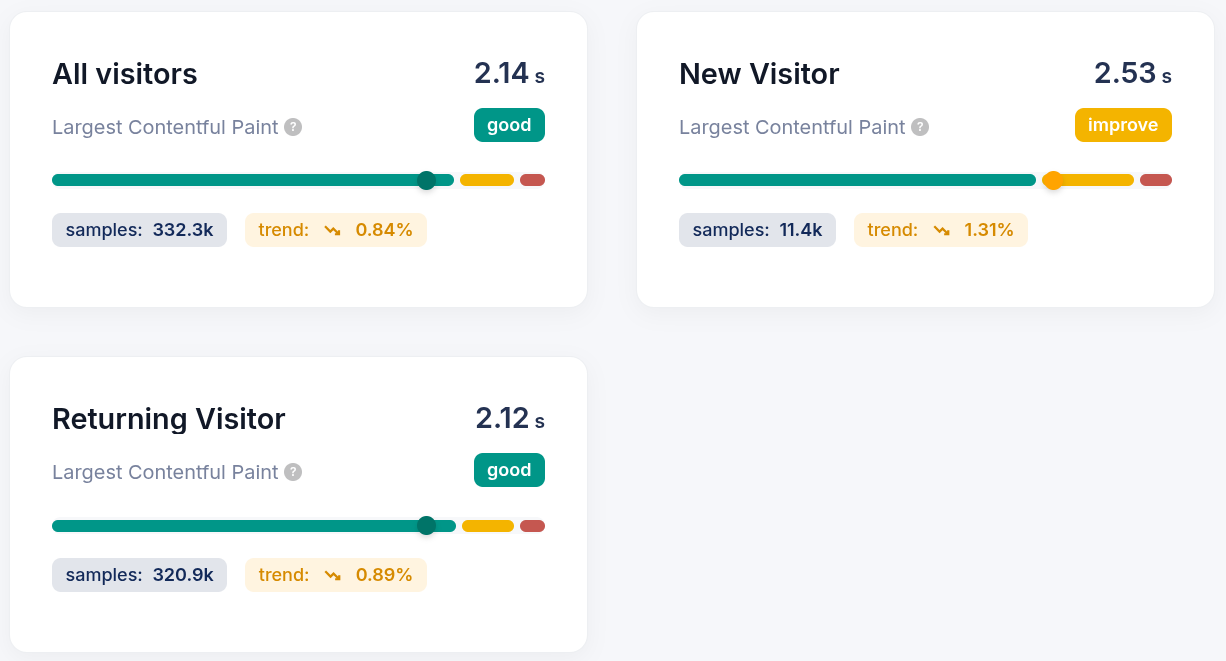
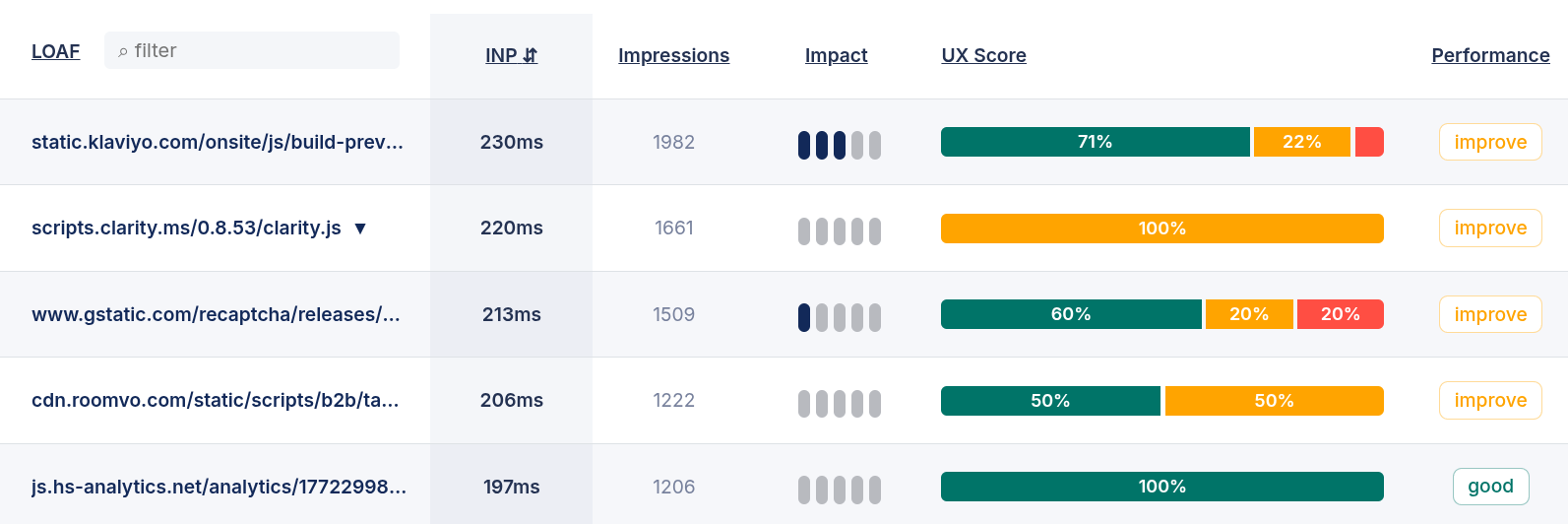
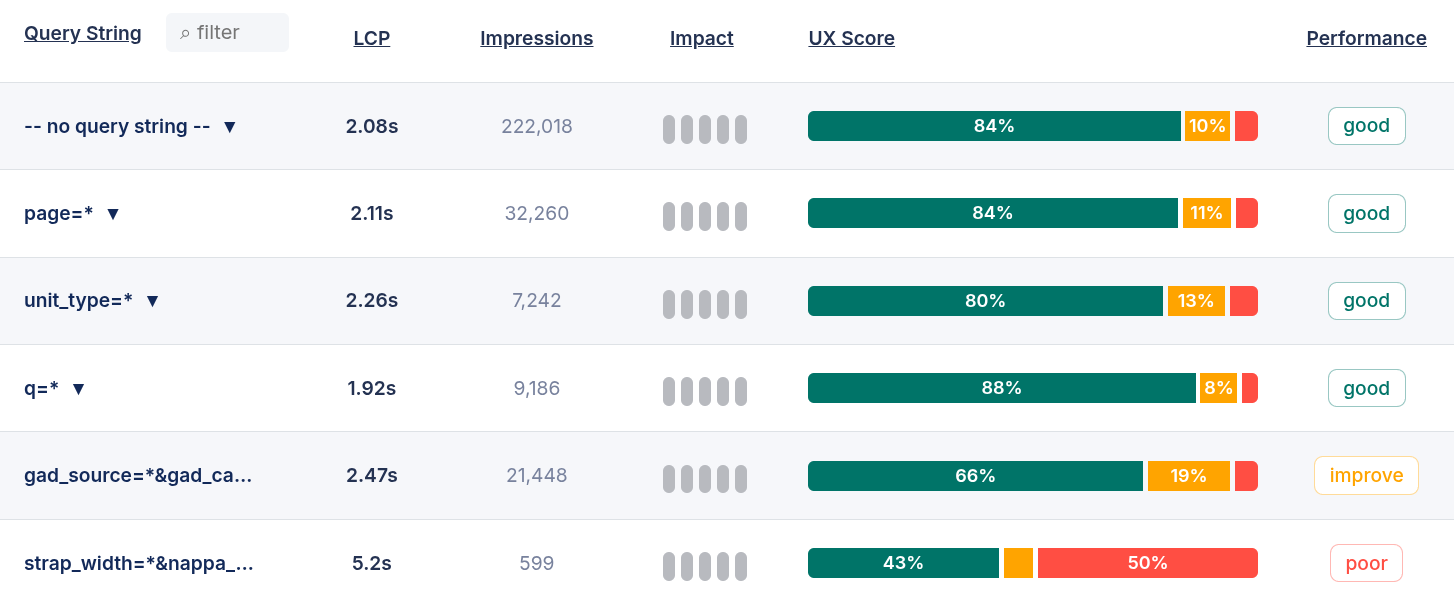
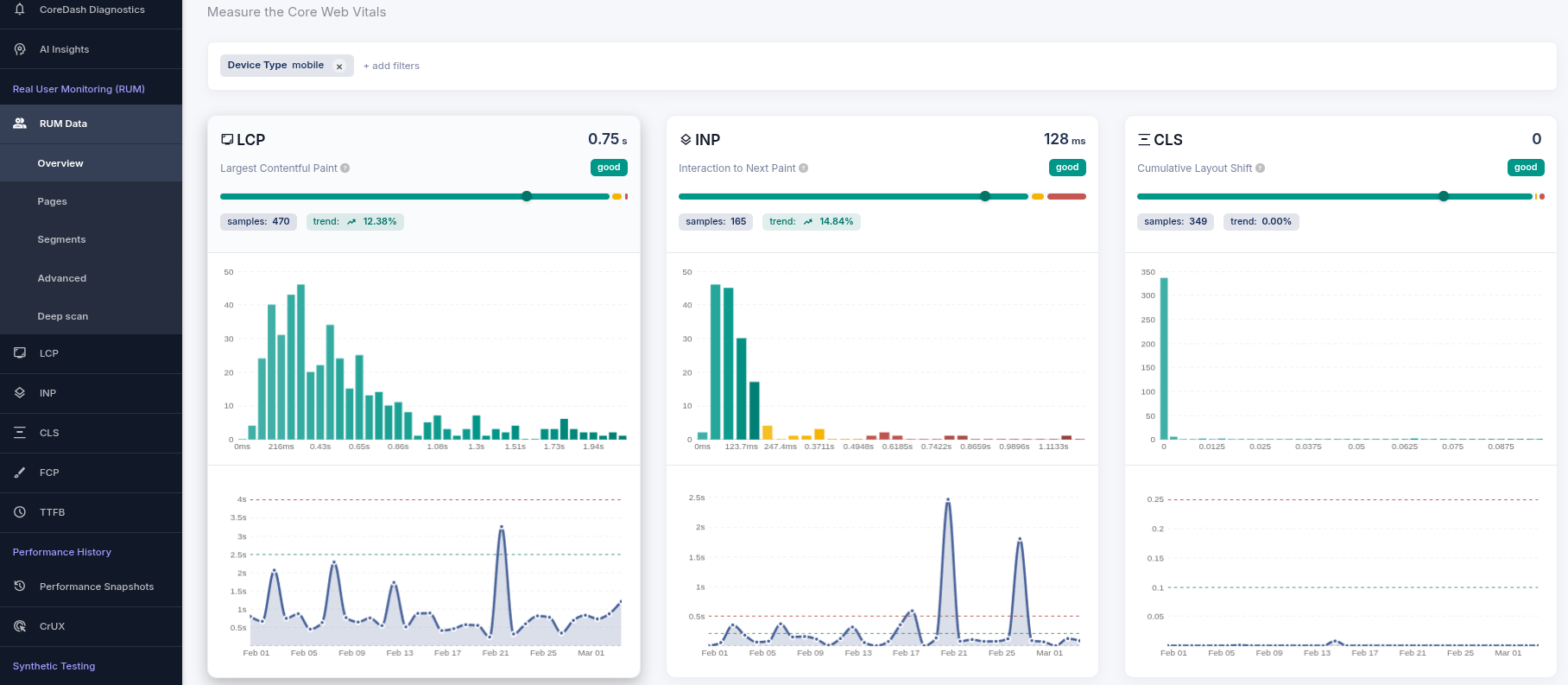
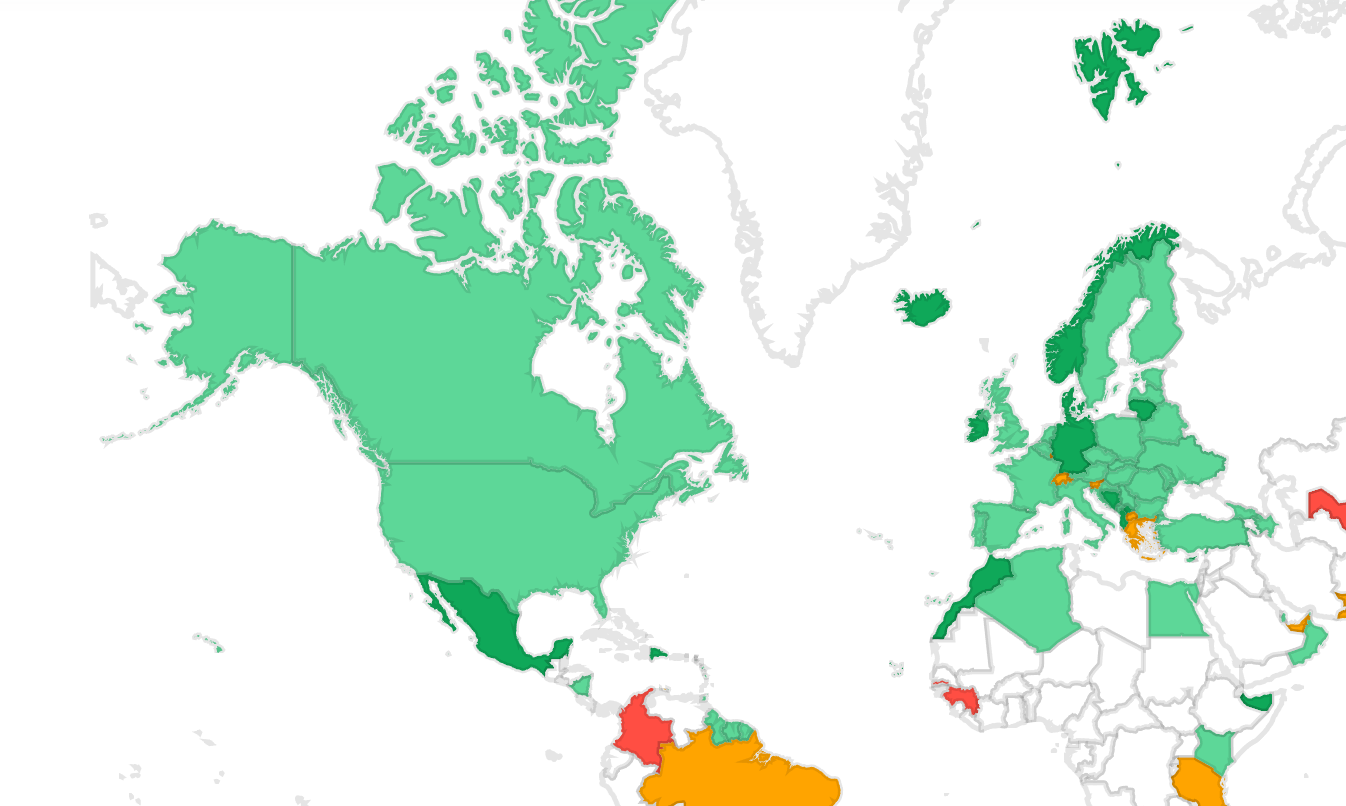
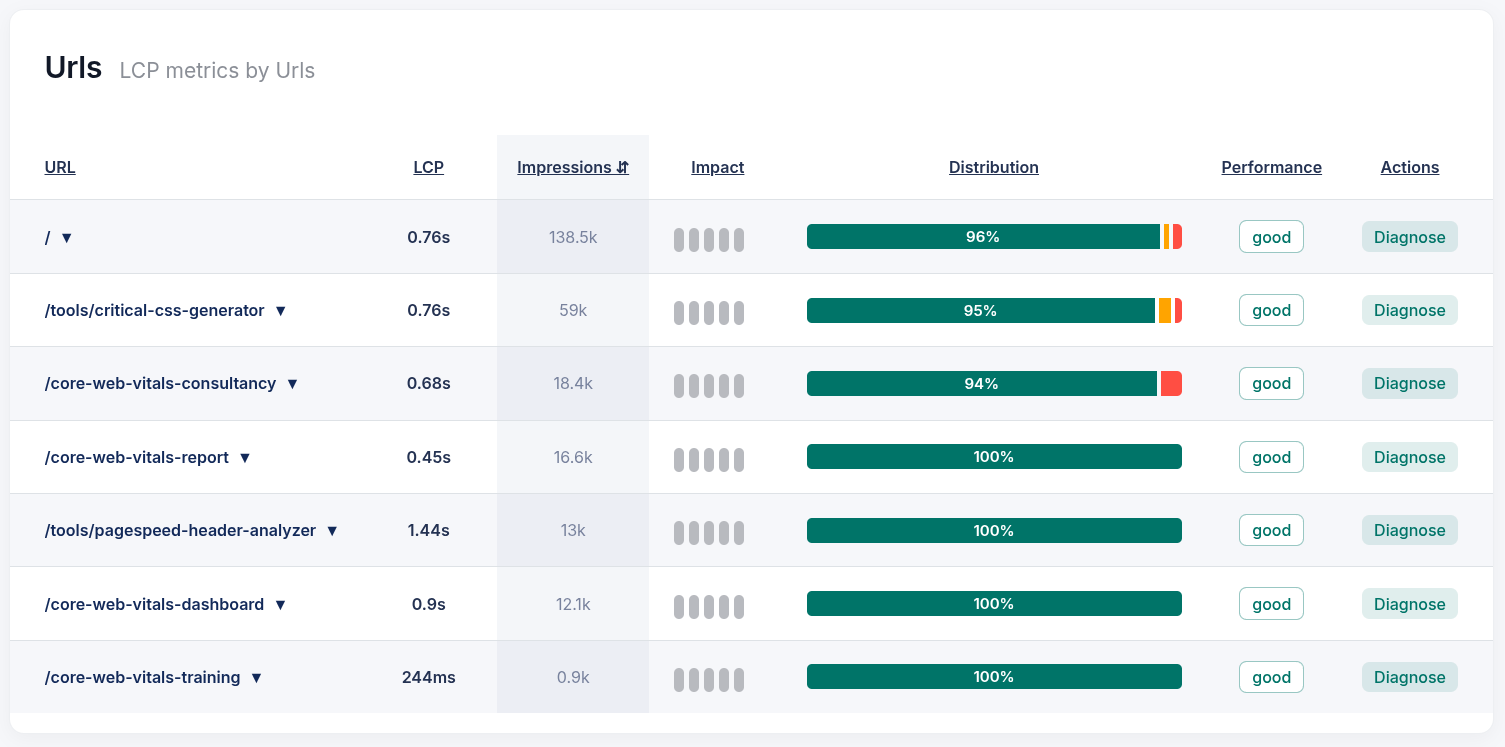
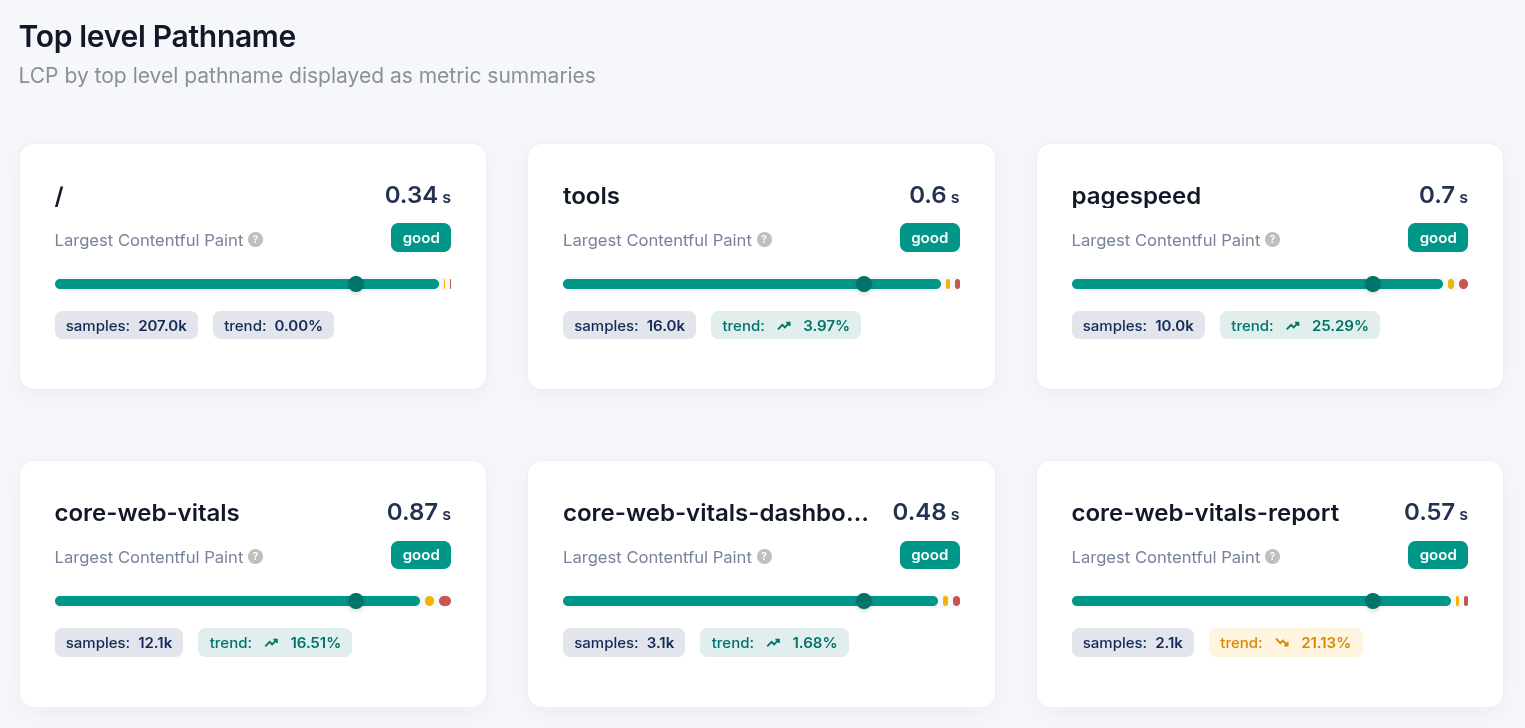
Core/Dashの機能 インフラを最適化し、お客様のコスト負担を排除しました。余計なマーケティング費用をかけず、高品質なCore Web Vitalsモニタリングを提供します。 無料トライアル CoreDash RUM Tracking Core Web Vitals に標準付属の稼働監視 サイトや決済画面の停止を検知し、平常時のサーバー応答速度も把握できます。 Search ConsoleのCore Web Vitals: データ不足 Search Consoleに「十分な使用状況データがありません」と表示されるのは、ページへのChromeによる訪問数が少なすぎるからです。Googleを待たずに、実際の訪問者を計測できます。 CI/CD Core Web Vitals: 遅いデプロイをブロックし、リリースを追跡する 1回のcurl呼び出しで、Core/DashをCI/CDパイプラインに統合します。ローンチ前に、パフォーマンス予算を満たさないビルドにフラグを立てます。デプロイごとに、実際のユーザーパフォーマンスを追跡します。 アラートと通知 ユーザーが気づく前に、問題の発生を把握する。 Set-up CoreDashのボットを CloudflareとAWS WAFで許可する ファイアウォールやCDNの設定によってCoreDashのボットがブロックされることがあります。このページでは、その解決方法を説明します。 Coredashの高度なセットアップオプション CoreDash WordPressプラグイン: インストール、接続、動作確認 プラグインをインストールし、「Connect to CoreDash」をクリックするだけで計測の設定は完了です。 CoreDashのインストール 数分でRUM計測をセットアップする方法 Dashboard Views & Visualizations 詳細な分析のためのデータテーブルの使用 ハイレベルなトレンドと現場の事実が交差する場所。 ジオマップでグローバルなパフォーマンスを可視化する ユーザーが体験するのと同じように、グローバルにパフォーマンスを確認できます。 メトリクス内訳ダッシュボードを理解する パフォーマンスメトリクスの構造。 ヒストグラムで理解するユーザー体験 ユーザーは平均値ではありません。その実態を見てください。 時系列チャートでトレンドを分析する I will start by listing the files in the workspace to see if there is a document or file that contains the text we need to translate. I will inspect the contents of the file `tmp_source_260613013403.json` as it appears to contain the source text for the translation task. I will view the `stateless_translate.py` script to understand how this workspace processes translation tasks. I will view the next segment of `stateless_translate.py` to see how translation is orchestrated. I will view `com.arjen.stateless_translate.plist` to see if there is a launch agent running the translation script. I will view the next segment of `stateless_translate.py` starting at line 301. I will view the next segment of `stateless_translate.py` to see the logic for translating fields and splitting content. I will view the contents of `launchagent_err.log` to see if there are any error traces from python execution. I will search `translation_changelog.log` to see how previous Japanese translations translated similar phrases and terms. I will search `translation_changelog.log` to see if the phrase "Your Performance Over Time" has been translated or referenced before. I will search the log for the tagline phrase "The Only Story That Matters". I will search for "Analyzing Trends with Time-Series Charts" in the workspace to see if there's any file that contains prior translation work or context. I will search the log file `translation_changelog.log` for "Analyzing Trends". I will view the first 100 lines of `translated_text.html` to see what language or content is currently inside it. I will list the contents of the `parts` subdirectory to see what other files exist in the workspace. I will search `translation_changelog.log` for any Japanese translations that use "ストーリー" or "事実" to see if there is a established convention in the translation history. I will search `translation_changelog.log` for the word "事実" (fact). I will view `translate_parts.py` to see if it contains any examples or details of Japanese translations. I will view `tmp_source_260613002505.json` to see if there is another translation template or job content we can analyze. I will view the contents of `tmp_source_260603204325.json`. I will view the first 100 lines of `text_source.html` to understand its content and language. 時間経過に伴うパフォーマンス。これこそが、唯一重要なストーリーです。 Main RUM Dashboardの概要 パフォーマンスにおける信頼できる唯一の情報源。 Metrics and Dimensions ディメンション: リダイレクト数 ユーザーがページに到達するまでに経由するHTTPリダイレクトの数と、それがTTFBに与える直接的なコストを測定します。 ディメンション:デバイス & クライアント能力 どのハードウェアクラスがサイトを訪問しているか、そして低メモリデバイスでINPがどこで悪化しているかを正確に把握します。 ディメンション:カスタムラベルとセグメンテーション 単なるURLではなく、A/Bテストのパターン、ビジネス上のページタイプ、ログイン状態など、本当に重要な軸でパフォーマンスを測定します。 ディメンション: リピート訪問者 新規訪問者とリピート訪問者のパフォーマンスを分割し、コールドキャッシュ時のロード時間が実際のユーザーデータをどこで引き下げているかを見つけ出します。 ディメンション:LOAF (Long Animation Frames) Long Animation Framesを発生源に特定することで、main threadをブロックしINPを悪化させている正確なスクリプトのURLを特定します。 ディメンション: Query String ページネーションされた結果からUTMタグ付きのランディングページまで、URLパラメータが実際のユーザーのパフォーマンスデータに与える影響を確認できます。 ディメンション: Navigation Origin 訪問者が同じドメインから来ているのか、外部ソースから来ているのかを確認し、その違いがCore Web Vitalsにどう影響するかを把握します。 ディメンション:Load State(INP) インタラクションが発生したページのライフサイクルフェーズごとにINPを分割し、応答性の問題が読み込み時のレースコンディションなのか、実行時のJavaScriptの問題なのかを特定します。 ディメンション: Input Type (INP) 最悪のINPを引き起こしたユーザーアクションを特定し、適切なインタラクションハンドラーから優先して修正してください。 ディメンション:Navigation Type ユーザーのページ到達方法でCore Web Vitalsをセグメント化し、bfcache、prerender、reloadのパフォーマンスをデバッグします。 ディメンション:ネットワーク速度 Core Web Vitalsをユーザーのダウンロード速度でセグメント化し、どの帯域幅ティアがLCPを悪化させているかを特定します。 ディメンション:オペレーティングシステム オペレーティングシステム間でトラフィックをセグメント化することにより、プラットフォーム固有のパフォーマンスの低下を特定します。 ディメンション: Country Core Web Vitalsのデータを国別にセグメント化することで、地理的なパフォーマンスのボトルネックを特定します。 ディメンション: Device Type Core Web Vitalsのデータをデバイスのフォームファクタで分割し、モバイルパフォーマンスのギャップをデバッグする。 ディメンション: LCP Priority 最も大きなコンテンツ要素の具体的な読み込み戦略を監査し、LCP Load Delayを解消します。 ディメンション:Browser ユーザーの特定のブラウザエンジンに応じてトラフィックをセグメント化することで、クロスブラウザでのパフォーマンスの低下を修正します。 ディメンション:要素タイプ (LCP) アーキテクチャの要素タイプに基づいてトラフィックをフィルタリングし、LCPを改善します。 ディメンション:Attribution Element イベントの原因となっている特定のHTMLノードを特定し、DOMレベルのリグレッションを修正します。 ディメンション:URL 個々のURLアドレスのパフォーマンスデータを検査し、ページ固有のボトルネックを解消する。 ディメンション: トップレベルパス名 トップレベルディレクトリ全体でパフォーマンス指標を集約することにより、システム的なテンプレートの失敗を修正します。