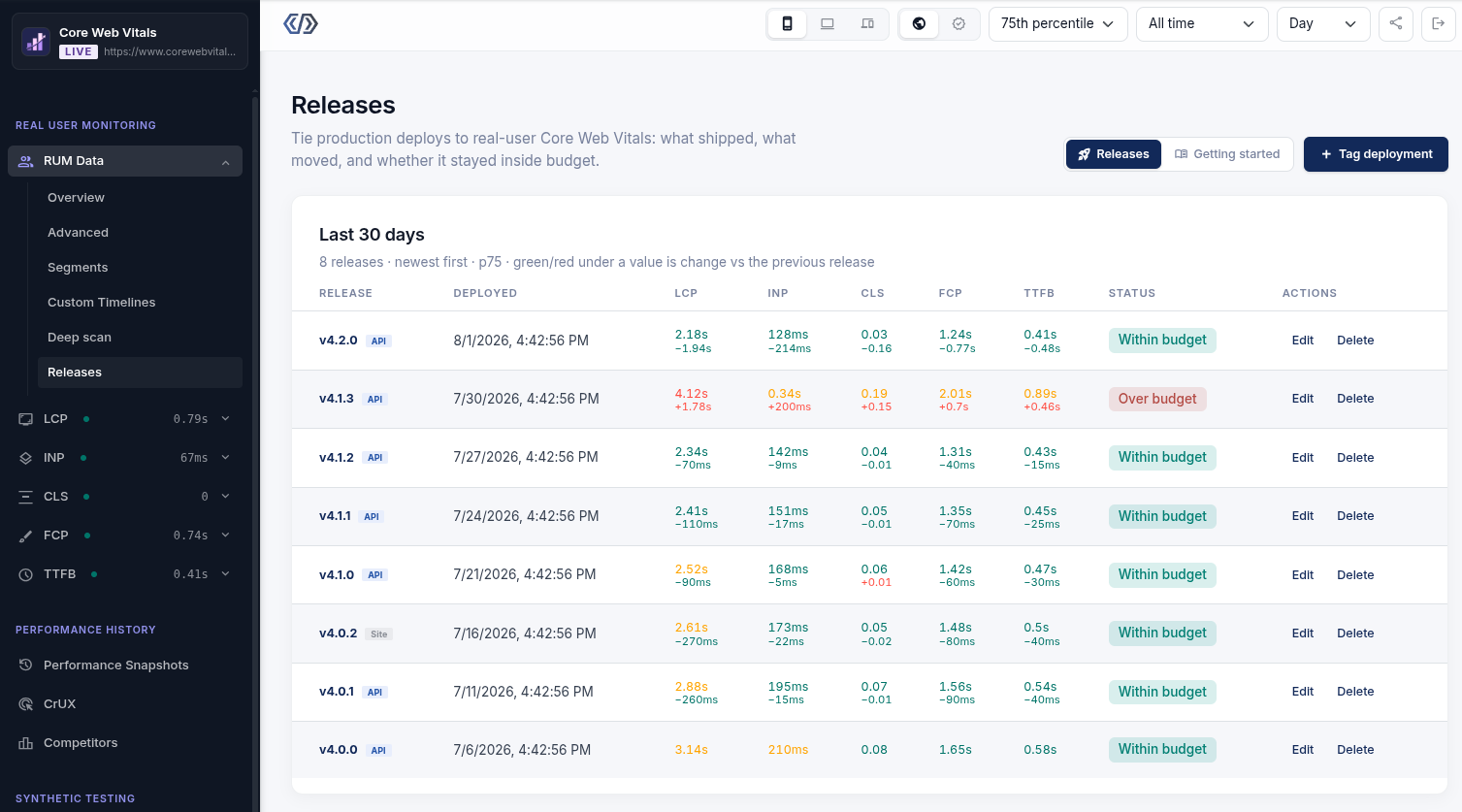
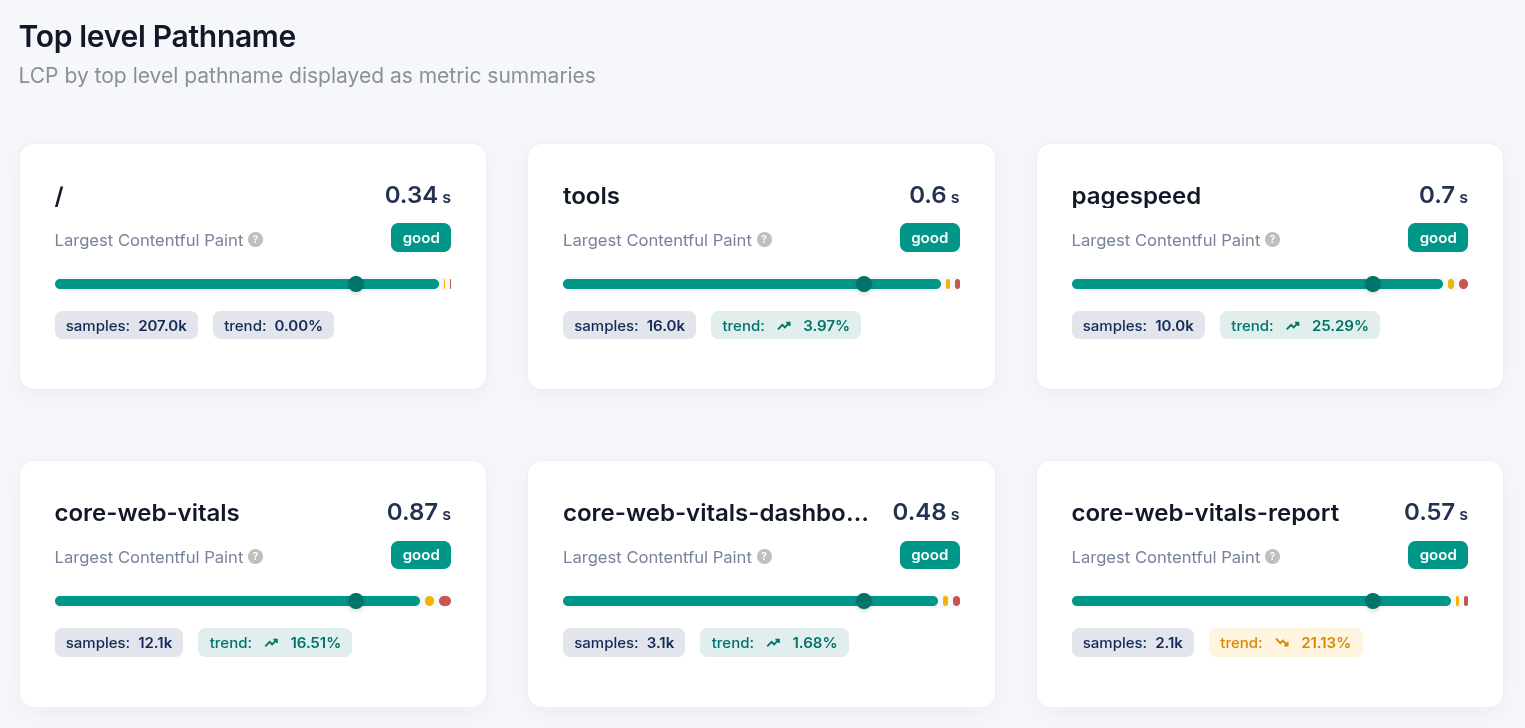
Core/Dash-funktioner

Vi har optimeret vores infrastruktur, så du ikke betaler for meget for din. Vi tilbyder Core Web Vitals-overvågning af høj kvalitet uden marketing-omkostningerne! 

Gratis prøveperiode

CoreDash RUM Tracking

Set-up

I will start by listing the contents of the workspace directory to see if there is an article or source file containing the text we need to translate.
I will view the contents of the recently created JSON file to inspect the text that needs translation.
I will read the python script `stateless_translate.py` in the workspace to understand how the translation process is set up.
I will check the launch agent log to understand how the translation script is calling me.
I will search the workspace to see how similar terms have been translated in previous Danish files or in related languages (like Swedish or Norwegian).
I will search the translation changelog to see how the Swedish translation handled the title or crawler terminology.
I will search the log to find the specific translation run for the Swedish version of the crawler whitelisting page.
I will check the translation logs around the Swedish run to see what translated text it produced.
I will run `git status` to see if there are any git-tracked files or untracked translation files in the workspace.
I will list the files in the `scratch` and `parts` subdirectories to see if there are files containing translations.
I will list the files in the `parts` subdirectory.
I will search the workspace for any references to Danish to see if there are pre-existing Danish translations or rules.
I will search for past successful Danish translations in the log to verify terminology choices like

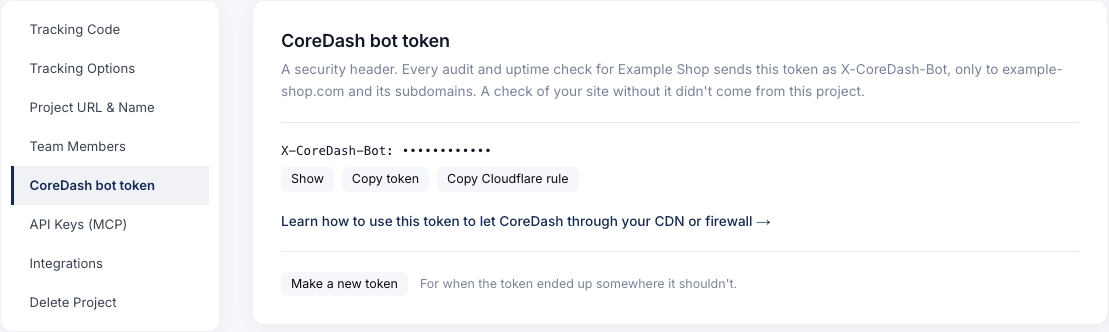
I will start by listing the contents of the workspace directory to see if there is an article or source file containing the text we need to translate. I will view the contents of the recently created JSON file to inspect the text that needs translation. I will read the python script `stateless_translate.py` in the workspace to understand how the translation process is set up. I will check the launch agent log to understand how the translation script is calling me. I will search the workspace to see how similar terms have been translated in previous Danish files or in related languages (like Swedish or Norwegian). I will search the translation changelog to see how the Swedish translation handled the title or crawler terminology. I will search the log to find the specific translation run for the Swedish version of the crawler whitelisting page. I will check the translation logs around the Swedish run to see what translated text it produced. I will run `git status` to see if there are any git-tracked files or untracked translation files in the workspace. I will list the files in the `scratch` and `parts` subdirectories to see if there are files containing translations. I will list the files in the `parts` subdirectory. I will search the workspace for any references to Danish to see if there are pre-existing Danish translations or rules. I will search for past successful Danish translations in the log to verify terminology choices like "whitelist/whiteliste" and "crawler/crawleren". I will search the `scratch/check_my_ja_translation.py` file to see if there are any references or patterns for translating "whitelist" and "crawler". I will search `translated_text.html` for "crawler" or "whiteliste" to see if there is any Danish or Norwegian/Swedish translation content saved there. I will view the first few lines of `translated_text.html` to understand what it contains. Whitelist CoreDash-crawleren på dit CDN

Dit CDN blokerer vores performance-tester. Her er, hvordan du slipper den igennem.

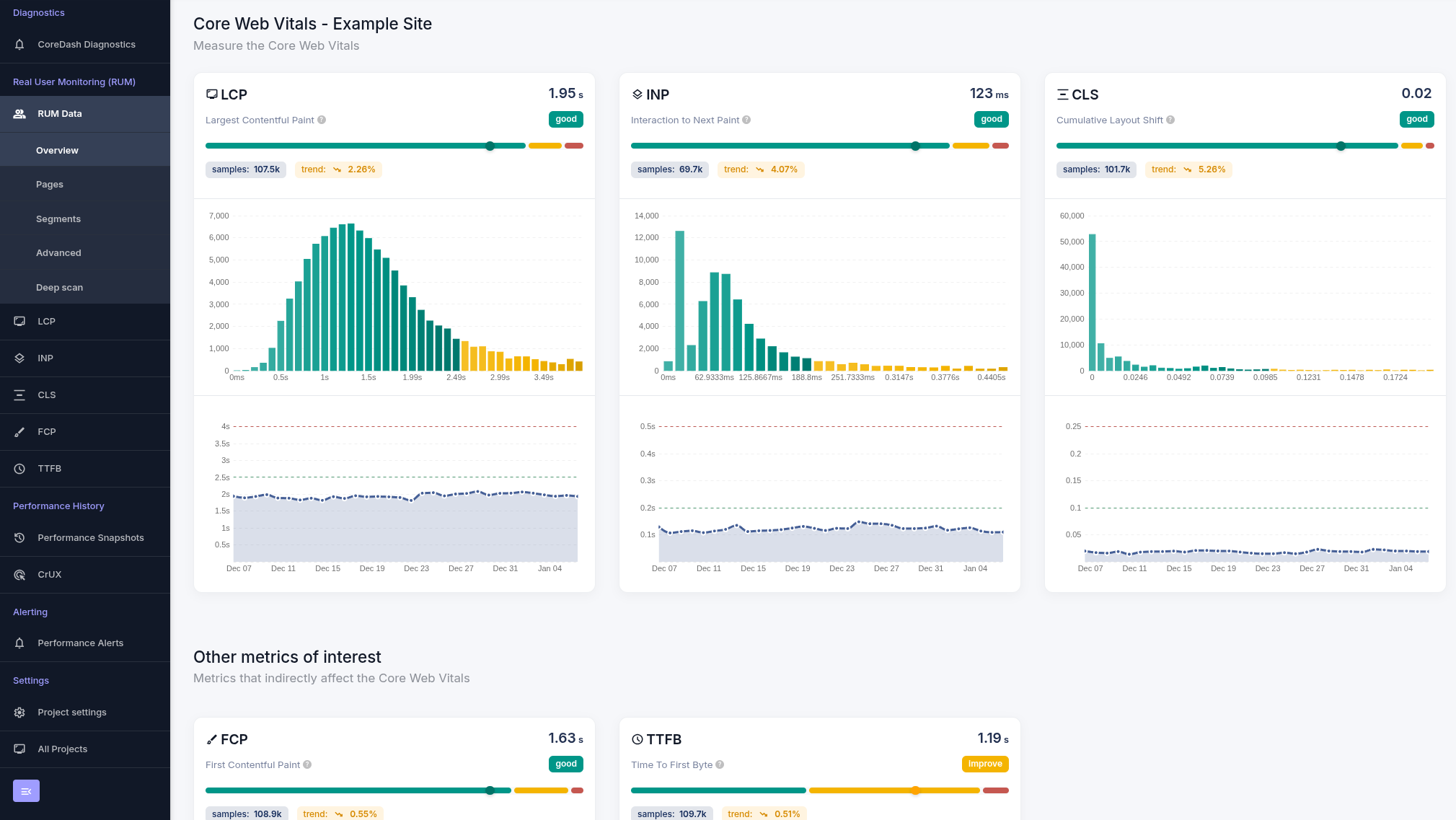
Dashboard Views & Visualizations
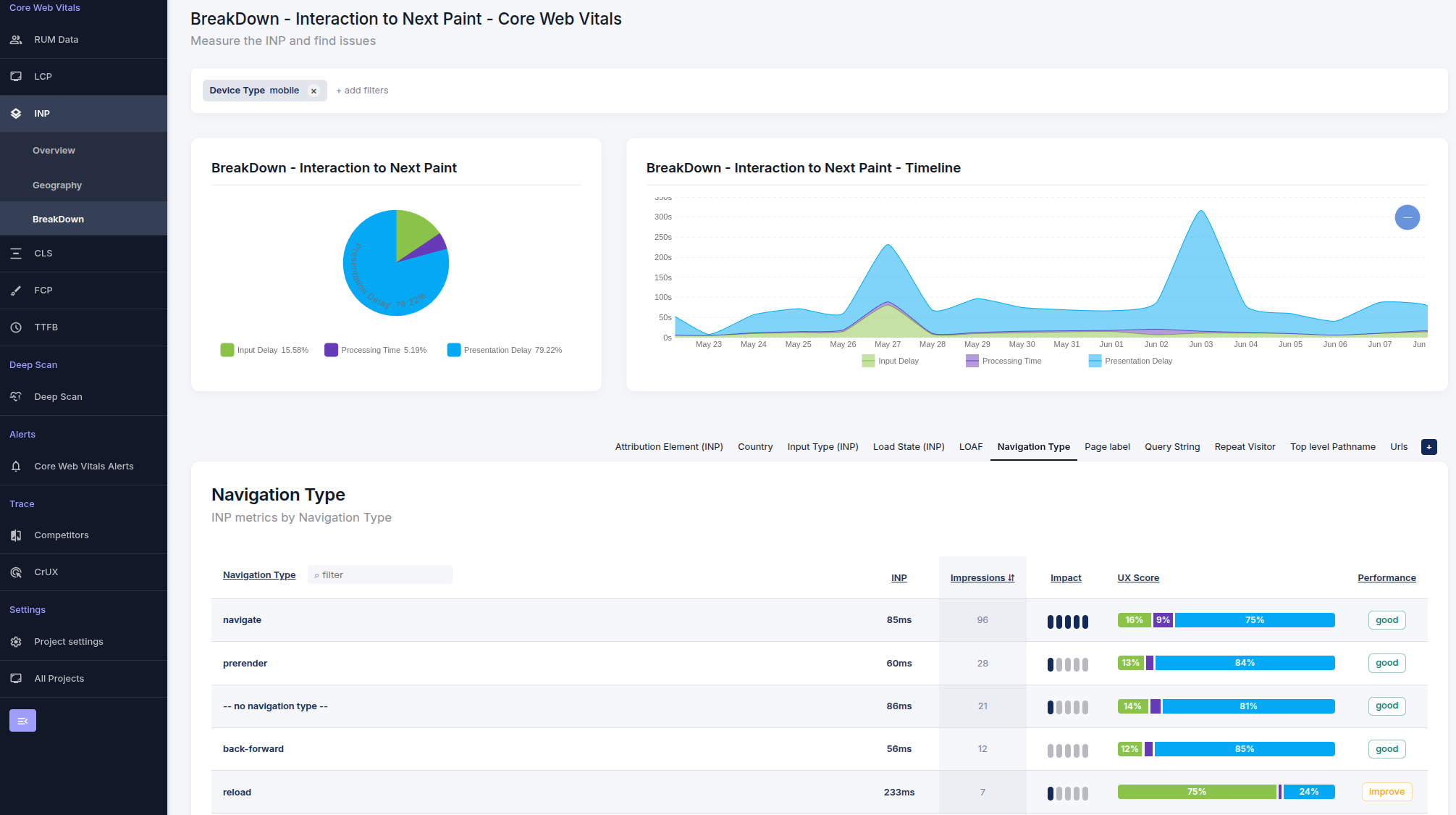
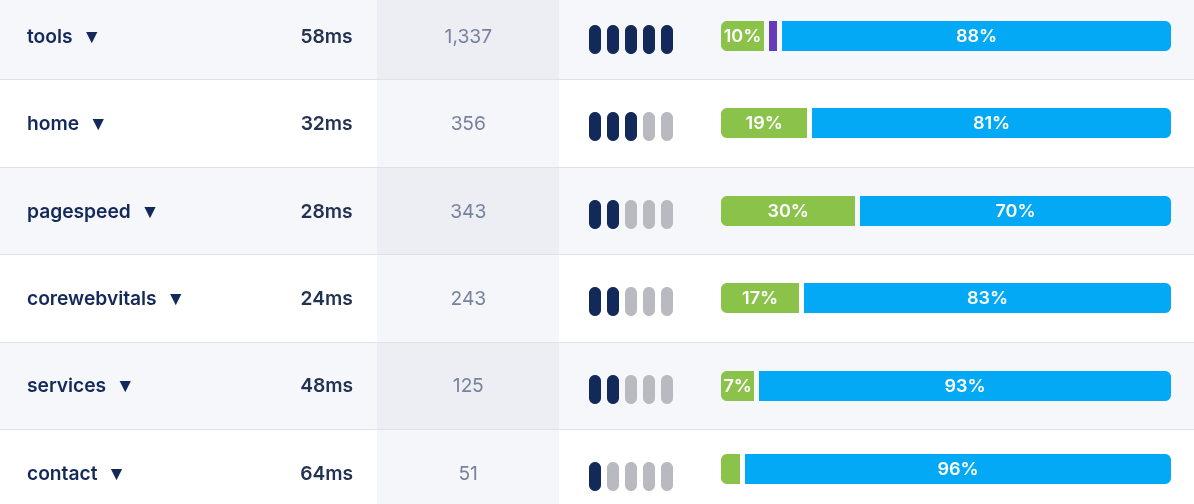
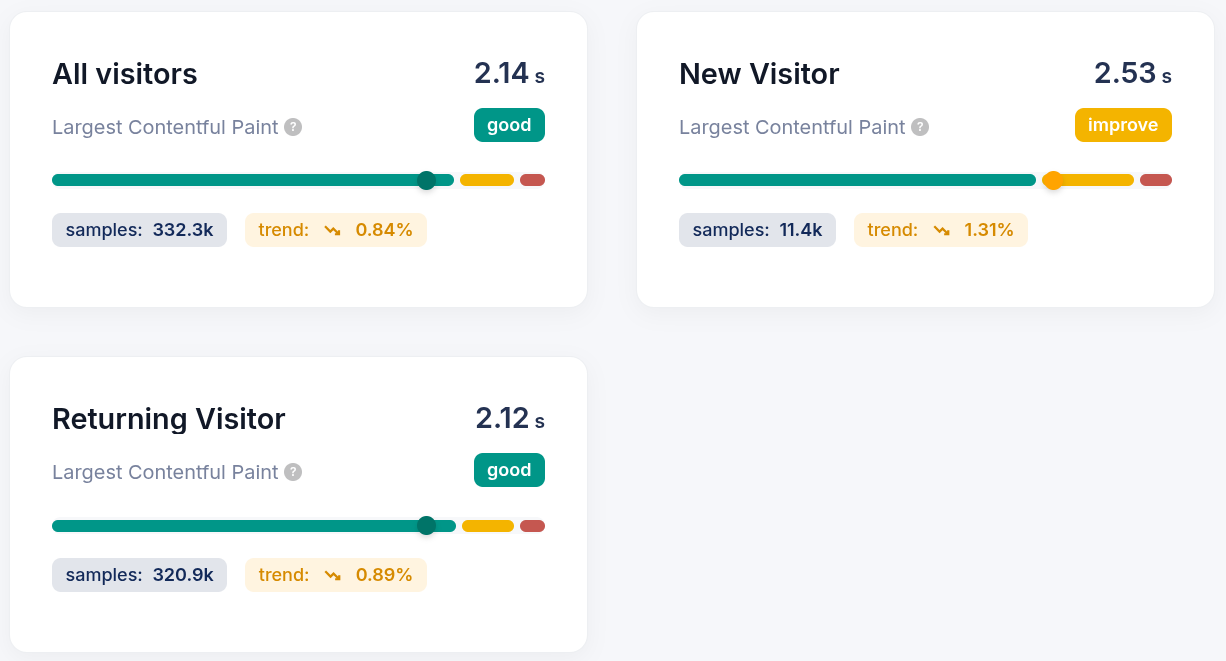
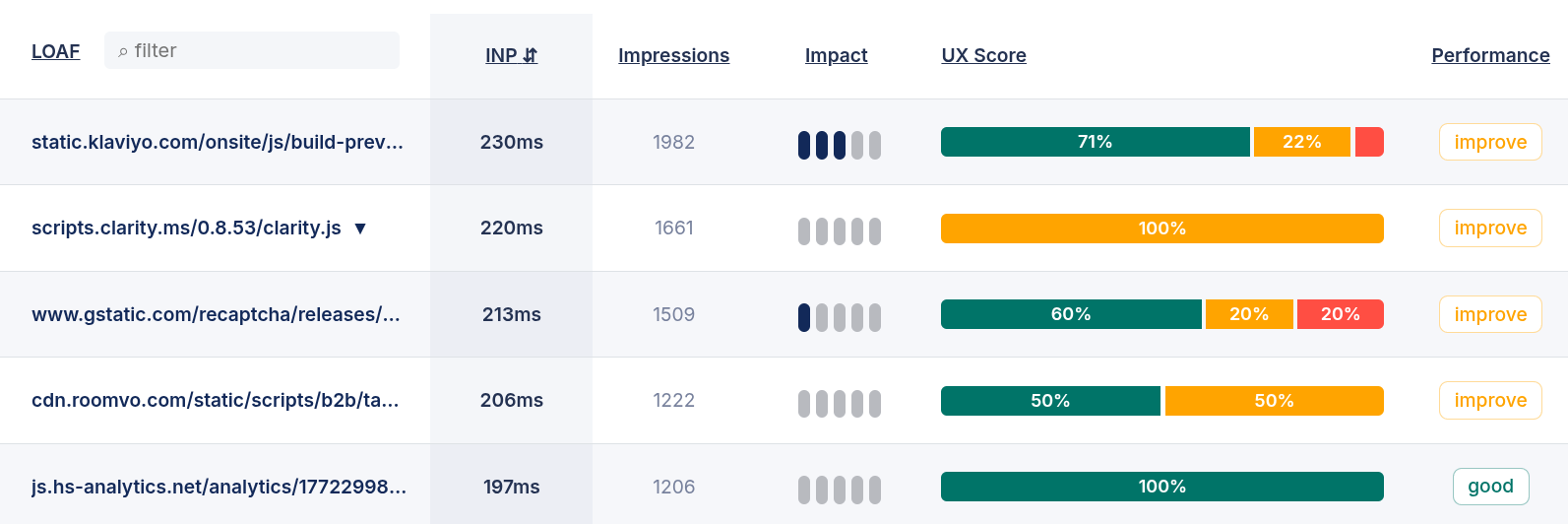
Metrics and Dimensions
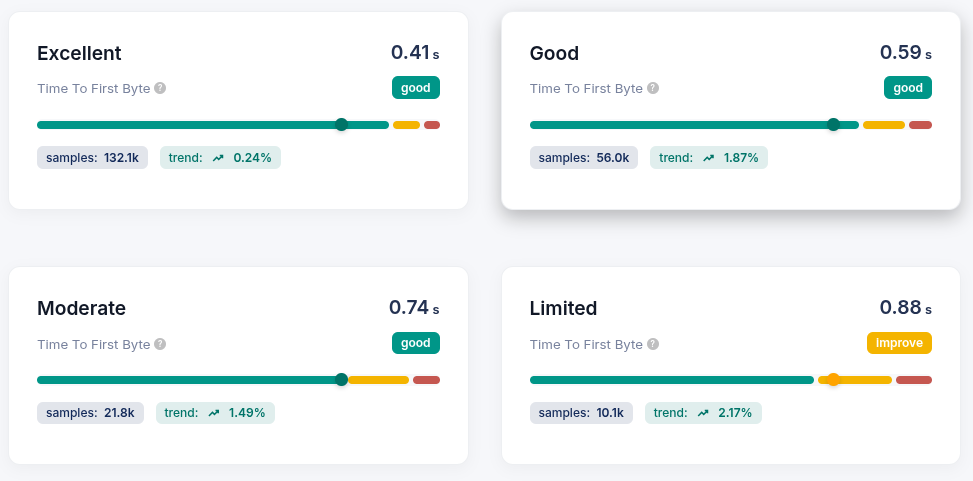
CoreDash-funktionerCore Web Vitals CoreDash-funktioner